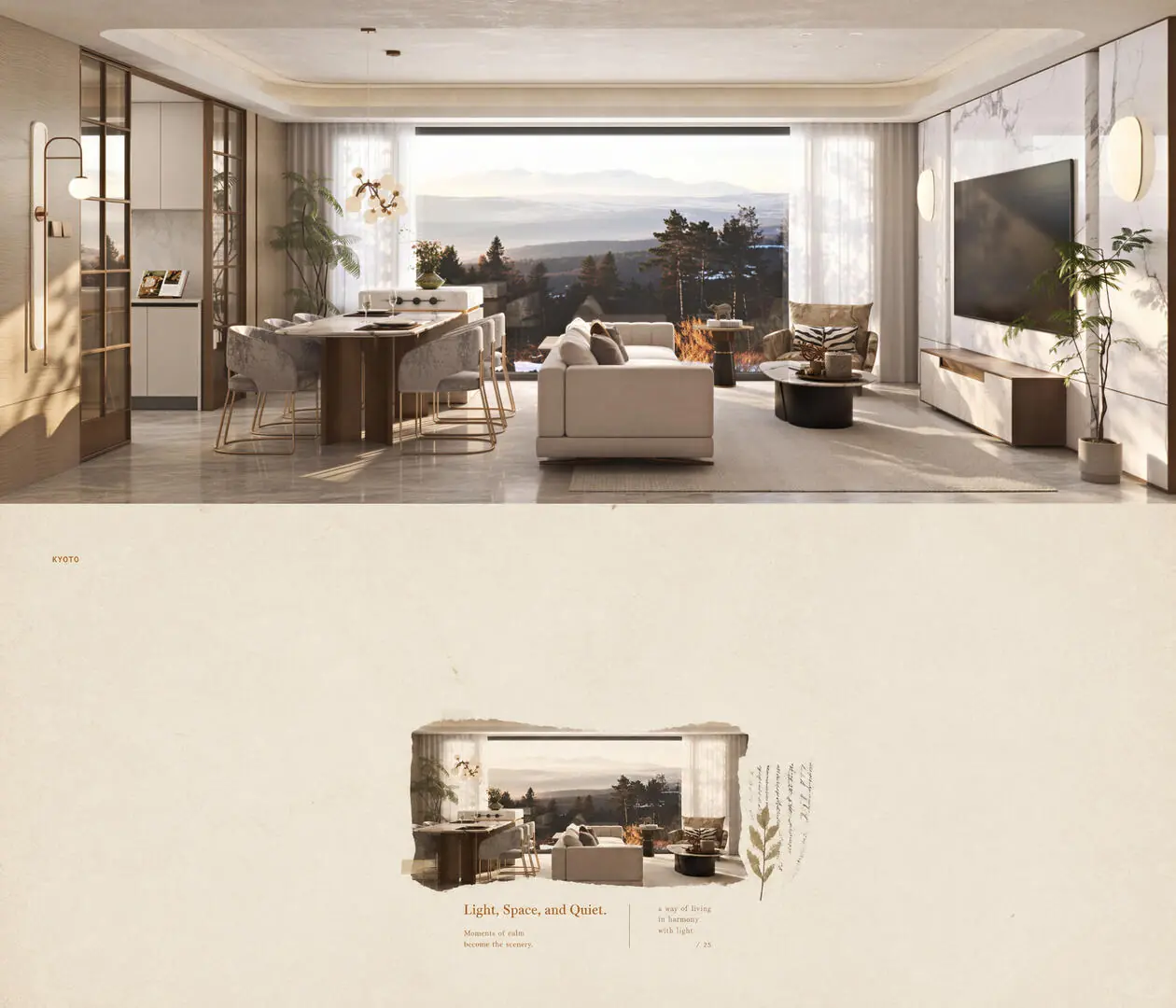
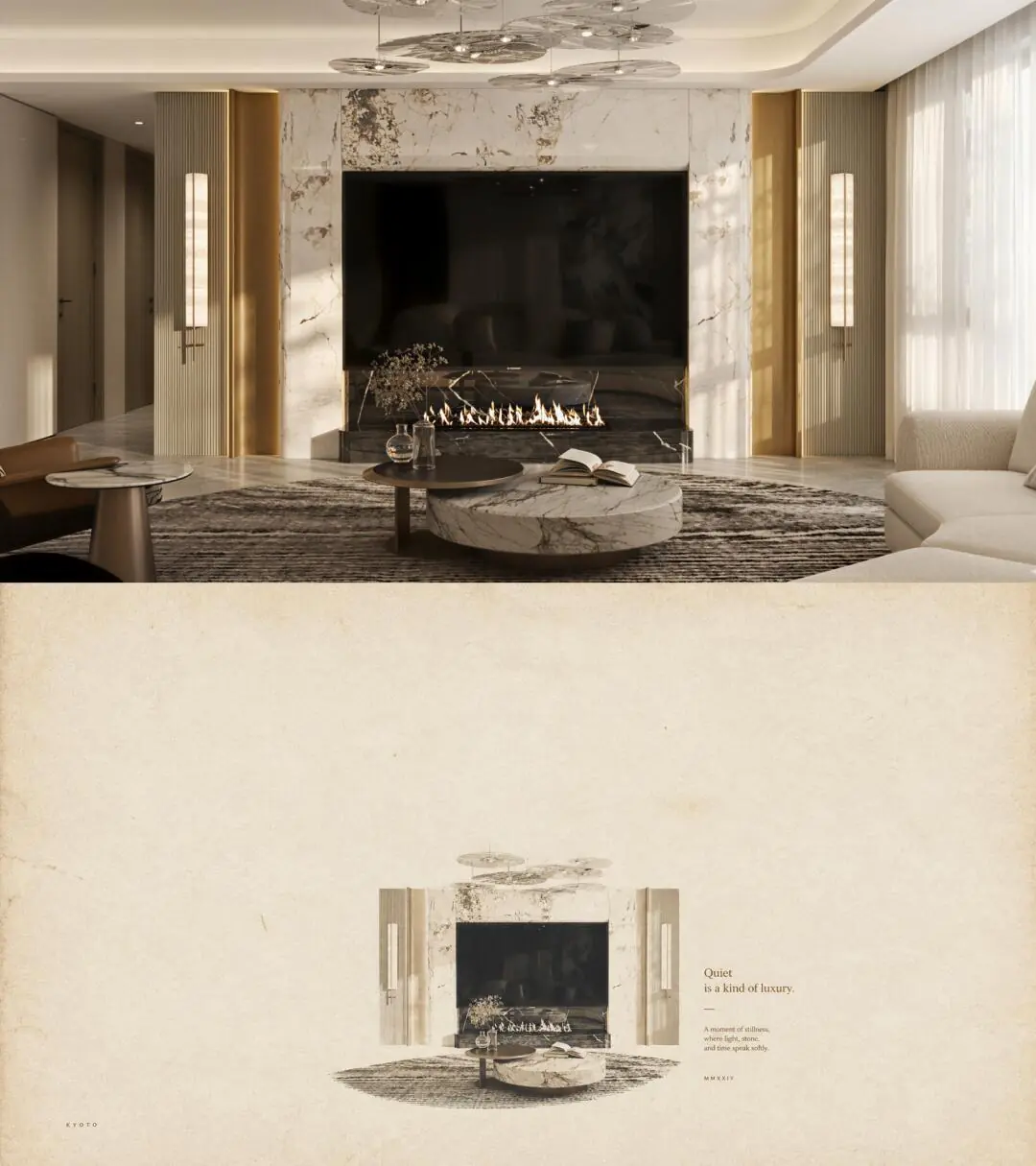
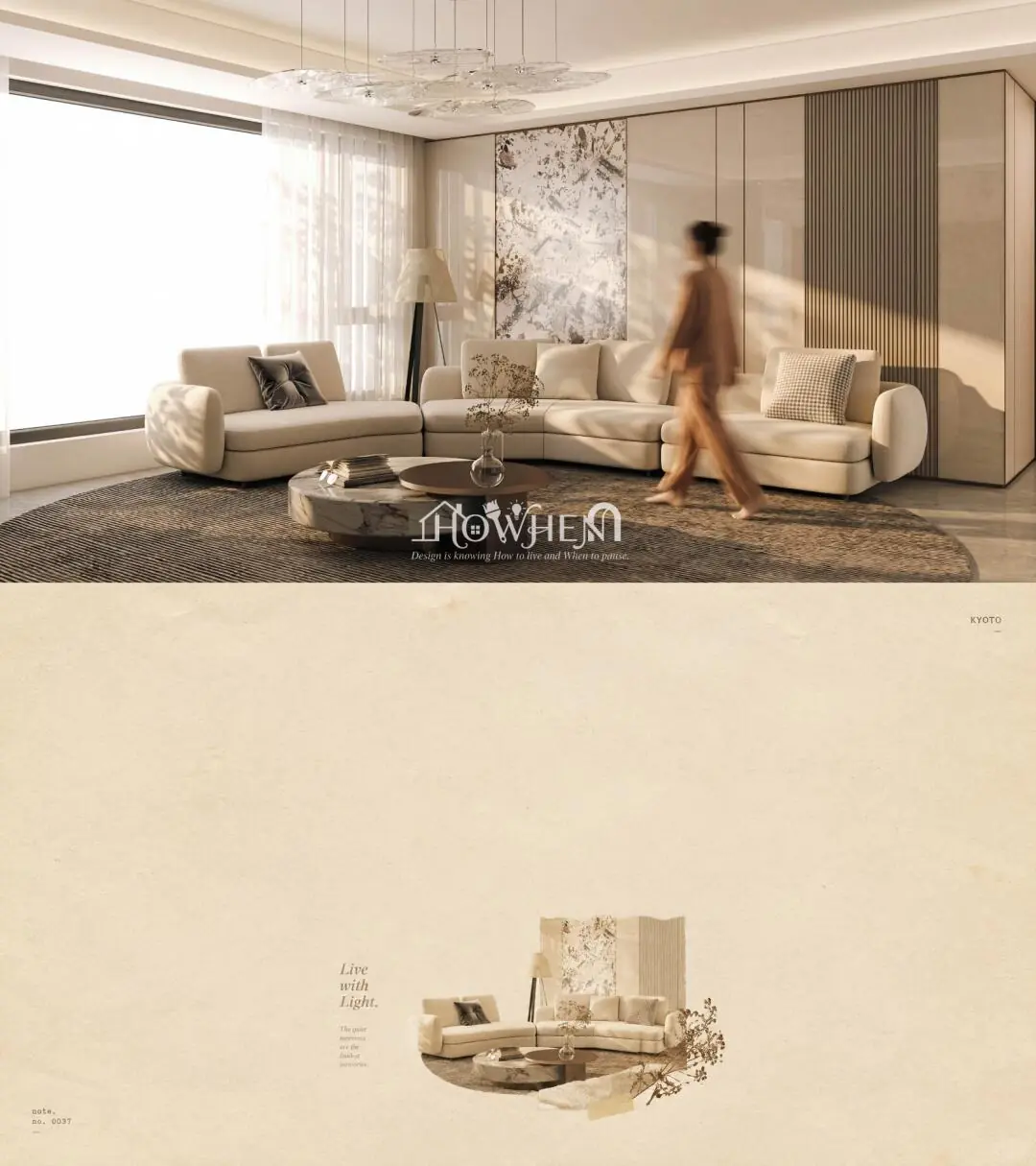
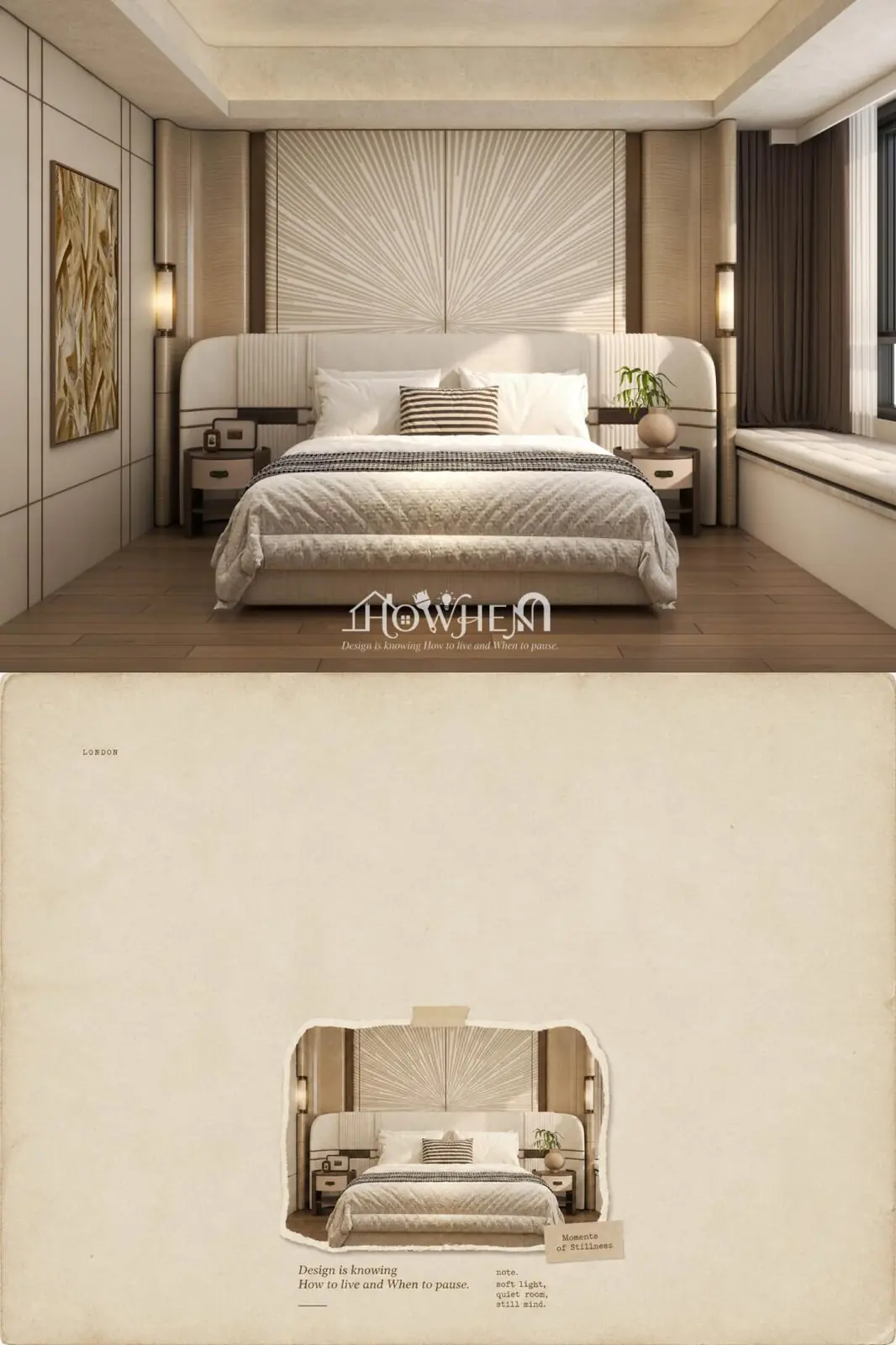
当我用最近很火的skill打开我的效果图作品
即使没有 Codex,也可以很稳定地做出这种作品。只需要提示词,其实没有想象中那么复杂。
最近 AI 辅助设计工具越来越成熟,用 Skill 的方式打开效果图,省去了繁琐的手动操作。关键就是写好提示词——把风格、质感、构图描述清楚,剩下的交给 AI 去执行。我用的这个 Skill,能把任何一张照片自动转成「复古印刷海报」风格的效果。
提示词分享
下面这段提示词你可以直接拿去用。把上传的照片换成你自己的图就行。
Paragraph 1(画布与构图):
A tall vertical 21:9 phone-poster on full-frame aged paper, with 70%-90% plain negative space. A single visual cluster occupies about 15% of the canvas, placed in the lower-middle area.
Paragraph 2(主体与随机形式):
The subject is the main visual element you recognized from my uploaded photo. Based on the mood of that subject, autonomously choose the most fitting one from the following three visual languages—(A) Abstract high-chroma geometric color blocks, (B) Vintage flat sticker with rough cut edges and slight adhesive texture, (C) Minimalist aged hand-drawn illustration or collage imagery.
Paragraph 3(字体与地名):
Small serif typography with one short readable phrase and fragmented microtext. Additionally, place a tiny English place-name (e.g. "KYOTO" or "LONDON") in the vast negative space as a visual footnote, using ultra-small sans-serif or typewriter font. Use the dominant color from my uploaded photo as the risograph ink anchor, occupying about 1.5% of the canvas.
Paragraph 4(质感与氛围):
Flat orthographic scanned-paper appearance, matte absorbent paper. Quiet, poetic, nostalgic mood, like a Japanese indie zine. Avoid full-bleed scenes, 3D rendering, neon, and commercial layouts.
怎么用
四段拼接起来就是完整提示词,不需要任何额外参数。上传一张你的效果图或照片,把这段 prompt 贴进去,AI 会自动识别画面中的主体,从三种视觉风格中挑一种最合适的来执行。
三种风格分别是——
- A:高饱和几何色块,抽象风格
- B:复古贴纸,带毛边和胶水质感
- C:极简手绘插画/拼贴风格
AI 会根据你上传的照片自己判断用哪种,不需要手动指定。最终效果就像一本日本独立杂志的页面,安静的、带点怀旧情绪的印刷感。
效果图